Quickstart
Run KCM on your machine with Docker Compose, sign in and connect a first Kafka cluster. The Community edition is free and never expires.
1. Run KCM
git clone https://github.com/kcmhub/KCM.git
cd KCM/00_kcm_with_docker_compose
export KCM_DEFAULT_PASSWORD='choose-a-strong-password'
docker network create kcm-net
docker compose up -d
This starts the console, the API, PostgreSQL and Redis. At the first start the API generates its key pairs in
data/keys: keep that folder, see backups.
Use the public Helm chart instead:
helm install kcm oci://registry-1.docker.io/kafkaetech/kcm --version 1.5.1. See
Install with Helm.
2. Sign in
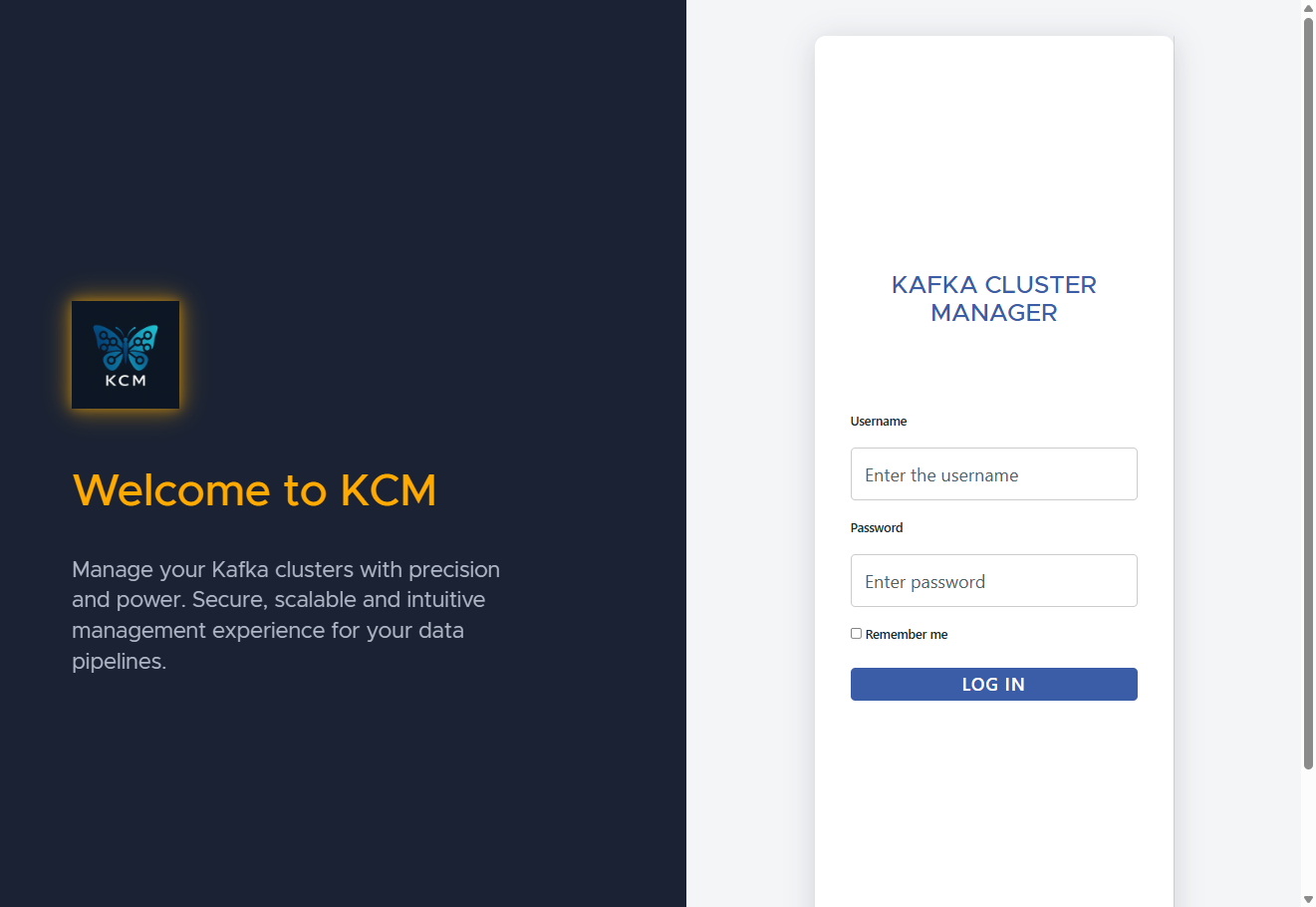
Open http://localhost and sign in as admin with the password you chose. KCM asks for a
new password if needed. Then turn on two-factor sign in from My profile.
3. Connect a Kafka cluster
- Open Environments, add one (for example
local) and open it. - Click Add, enter a cluster name and the bootstrap servers. The brokers, and the addresses they
advertise, must be reachable from the
kcm-apicontainer. - Choose the security protocol and credentials, then Create and Test connection.
No Kafka at hand? The 01_kafka_broker folder of the same repository starts a local three-broker
cluster on the kcm-net network, which the KCM API joins too. Use broker-1:9092 as
bootstrap server, with the PLAINTEXT protocol:
cd ../01_kafka_broker
docker compose up -d
4. Explore
- Browse topics and consumer groups.
- Produce a test message and read it in the consumer page.
- Add a Schema Registry or a Kafka Connect cluster.